Creator
From Working Parts to Complete Projects
Journey overview
Creator is the stage where your child stops practising programming concepts one at a time and starts combining them. A project now needs a plan, several moving parts, and decisions about how those parts fit together.
This is also where typed code usually enters properly, most often through Python, alongside the visual tools your child already trusts. The shift matters: your child begins transferring the same logic between different environments and discovers that the thinking travels even when the tool changes.
- Stage
- Creator
- Age range
- 9–12
- Delivery model
- Online-first
- Nature of the experience
- Project-led, multi-step, increasingly independent, with guided planning
- Learning language
- Programming Fluency and Systems Thinking
- Growth focus
- Planning, combining concepts, debugging strategically, and improving a finished piece of work
- Role of technology
- A flexible medium — the child chooses how to use it to serve the project they have in mind
By the end of Creator, your child should be able to plan a project, program it, debug it when it misbehaves, improve it deliberately, and explain the main technical choices they made along the way.
Learning experiences in this stage
Your child does not need to take all of them. These are the pathways available at this stage.
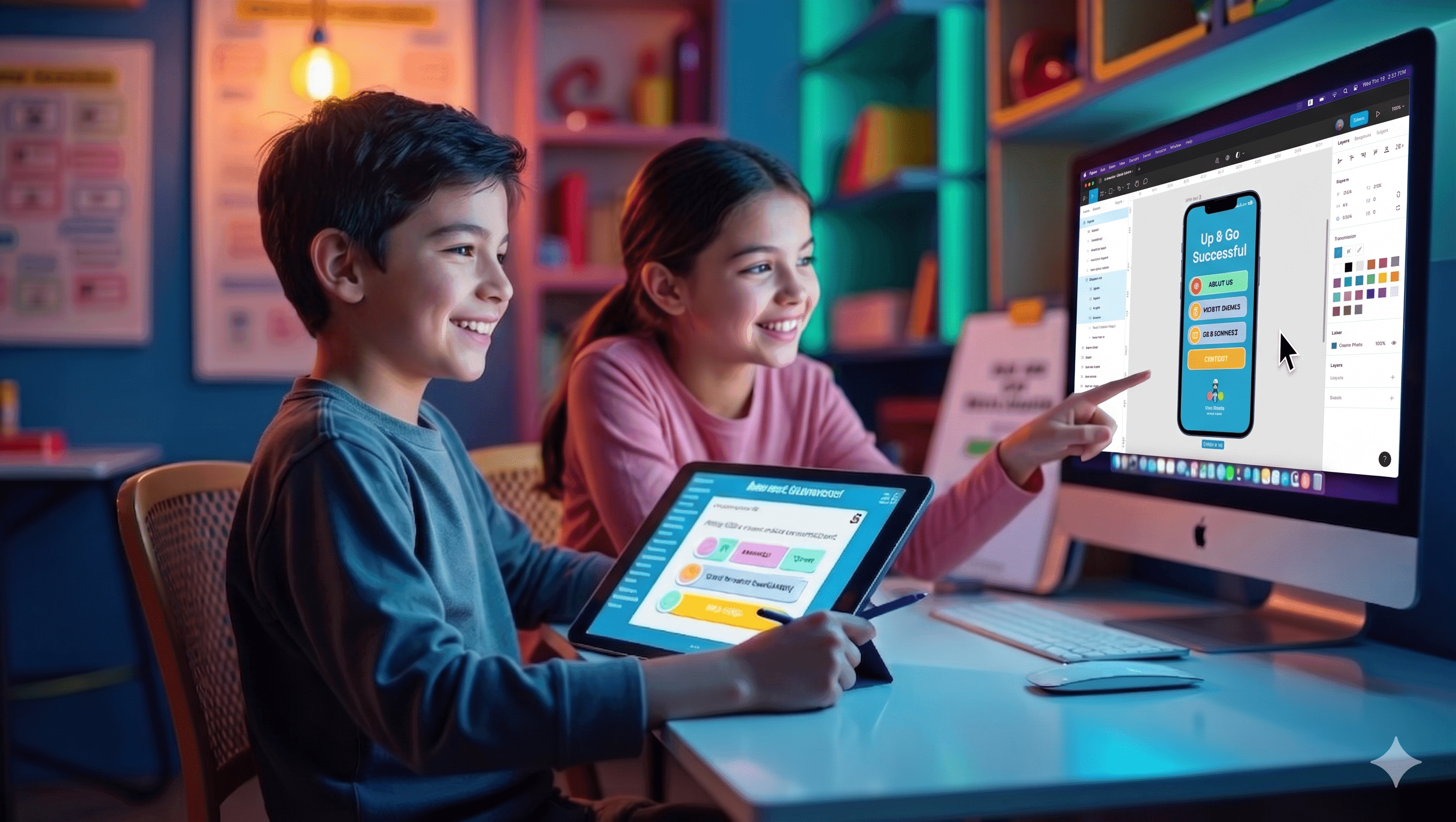 Mobile app development
Create Your First Mobile App
From idea to app—your child builds real technology! In this hands-on course, students explore how mobile apps are created step by step. They learn to design user-friendly interfaces, understand UI/UX, and build layouts using wireframes. Students discover mobile hardware, media tools, and online safety, then apply logic through variables and data. The course ends with building a real Health Tracker App and a final project.
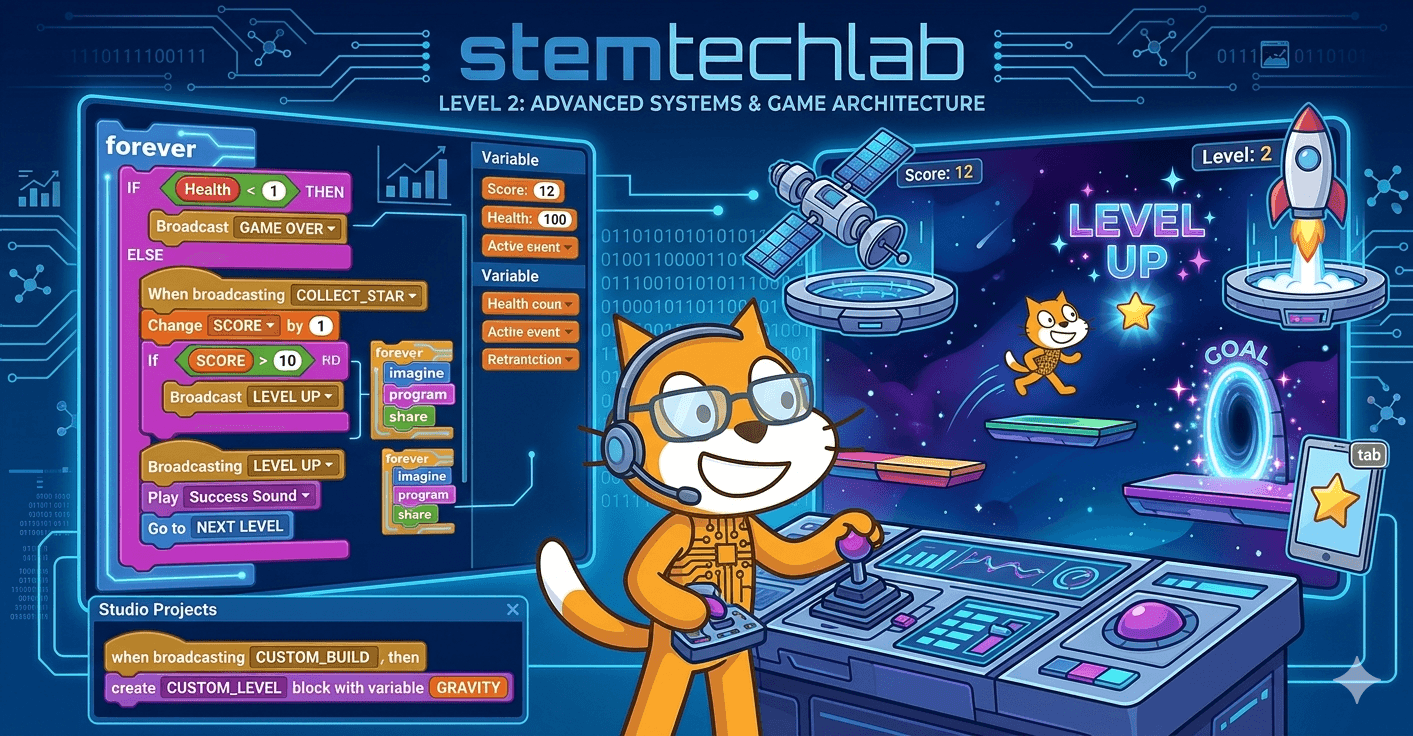 Programming
Advanced Programming
As students progress into the complexities of variables, sequences, and loops, they move toward the goal of "analytical application." This course focuses heavily on decomposition—the ability to break down a daunting, multi-layered project into small, manageable components. British academic research shows that this structural approach to programming significantly boosts a child’s general academic independence, as they learn to simulate real-world systems through code. By the end of Level 2, students are no longer just following tutorials; they are designing original digital architectures with efficiency and precision.
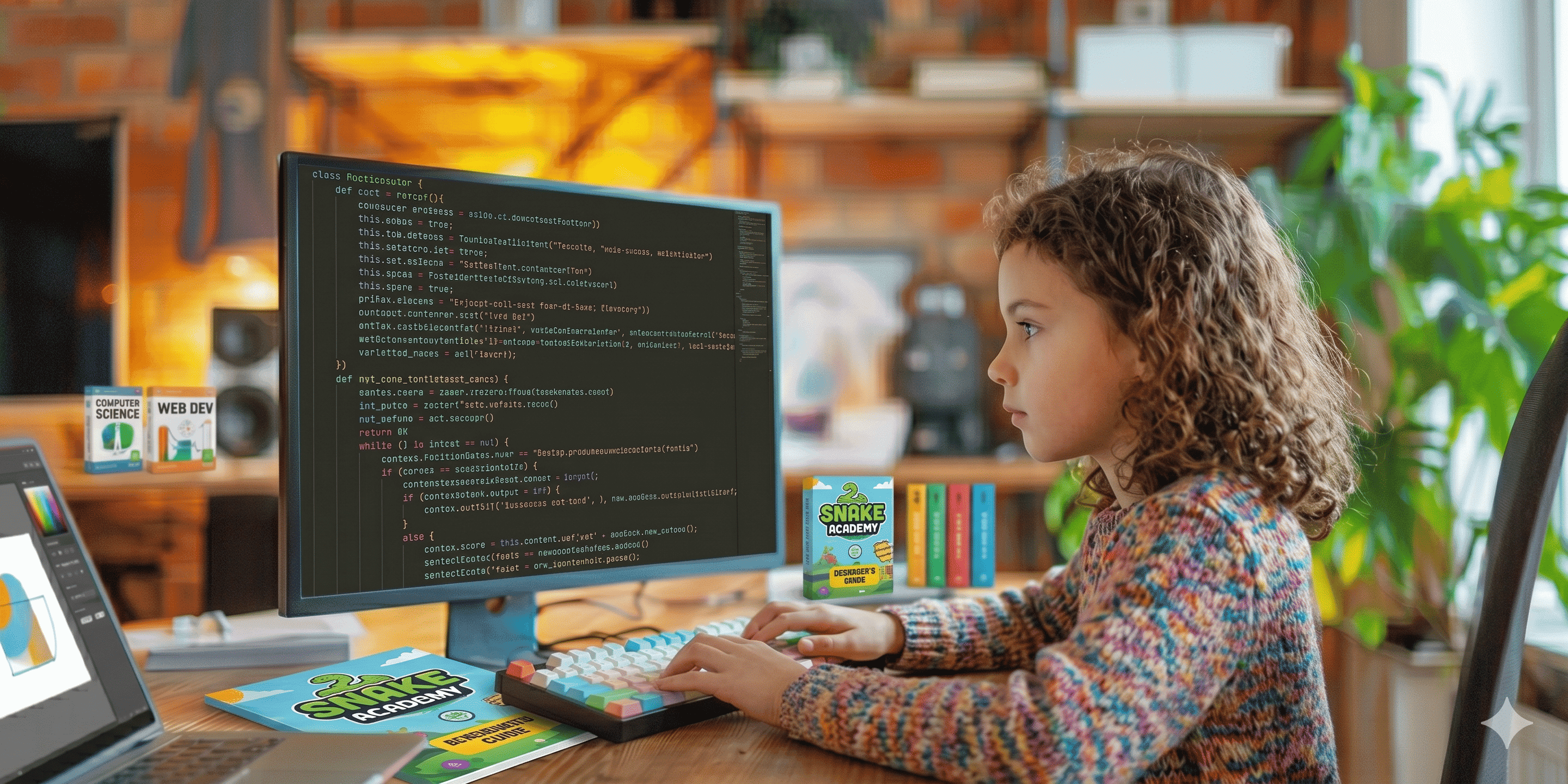 Programming
Python for Kids
From first lines of code to real creative projects! In this engaging Python course, students start with the basics of programming such as calculations, variables, and text handling. They gradually build strong logical thinking by working with lists, data structures, conditions, and loops. Students then explore creativity through drawing with Turtle graphics, learn how to organize code using functions, and discover how real programs are built using objects and reusable logic. By the end, they confidently create interactive and structured programs using core Python skills.
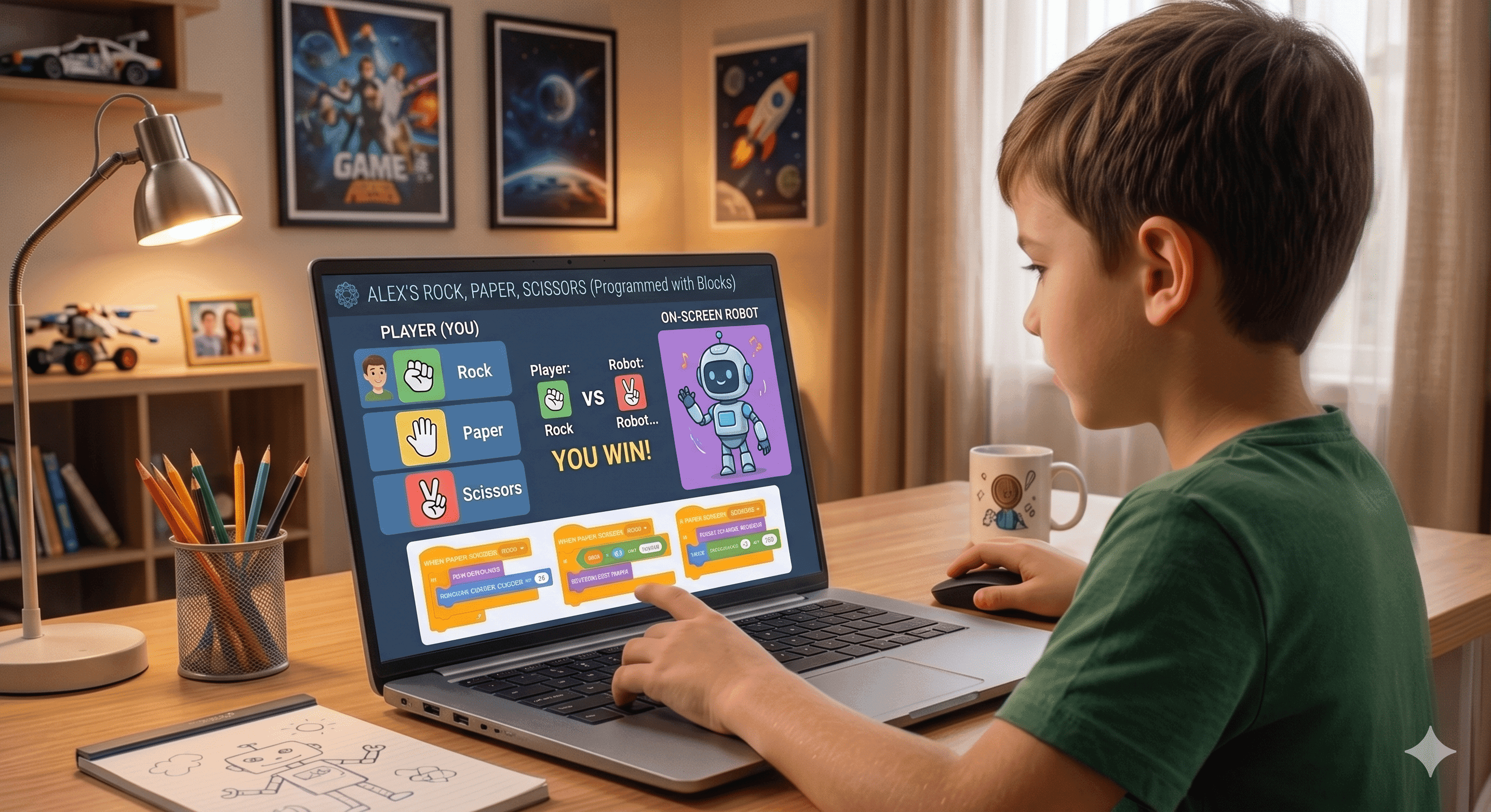 AI
AIAI Engineering Foundation
In this introductory building stage, students shift from coding with fixed rules to training models with data. They learn the core mechanics of Machine Learning by building their own image, text, and sound recognition systems. Based on the British "Experience AI" framework, this level focuses on the "Data-Model-Action" loop, ensuring students understand how to curate datasets and identify the impact of bias in AI design. By the end, they aren't just consumers of AI; they are builders who understand the architecture behind intelligent reactions to human input.
Join this stage
Three ways to start
There is no checkout here. Choose whichever step feels right — you can change your mind at any point, and nothing is charged online.
Request a short call
Talk to our team about your child and whether this stage fits. Around fifteen minutes, at a time you choose.
Take the fit check
Answer a few questions about your child and get a preliminary recommendation about starting here. No account needed.
I’m sure about this stage
Share your details and we will arrange the starting session directly, without going through the fit check first.
What comes next
After Creator, the journey continues with Innovator.
See Innovator