Builder
From Ideas to Working Instructions
Journey overview
Builder is the stage where technology stops being something your child watches and becomes something your child instructs. Ideas that used to live in their imagination now have to be written down clearly enough for a computer to follow.
The work stays visual and playful — blocks rather than typed syntax, projects rather than exercises — but the thinking underneath becomes precise. A story that skips a step will not run. A robot that turns too early has to be corrected. Children learn that being exact is not a restriction; it is what makes their idea actually work.
- Stage
- Builder
- Age range
- 8–10
- Delivery model
- Online-first
- Nature of the experience
- Hands-on, project-based, visual programming, and guided making
- Learning language
- Visual Programming and Computational Thinking
- Growth focus
- Turning ideas into instructions, spotting repetition, and fixing what does not work
- Role of technology
- An explicit tool for creation — the child now directs it rather than only responding to it
By the end of Builder, your child should be able to take an idea, turn it into a simple working program or prototype, test it, notice what went wrong, and improve it — and explain, in their own words, how it works.
Learning experiences in this stage
Your child does not need to take all of them. These are the pathways available at this stage.
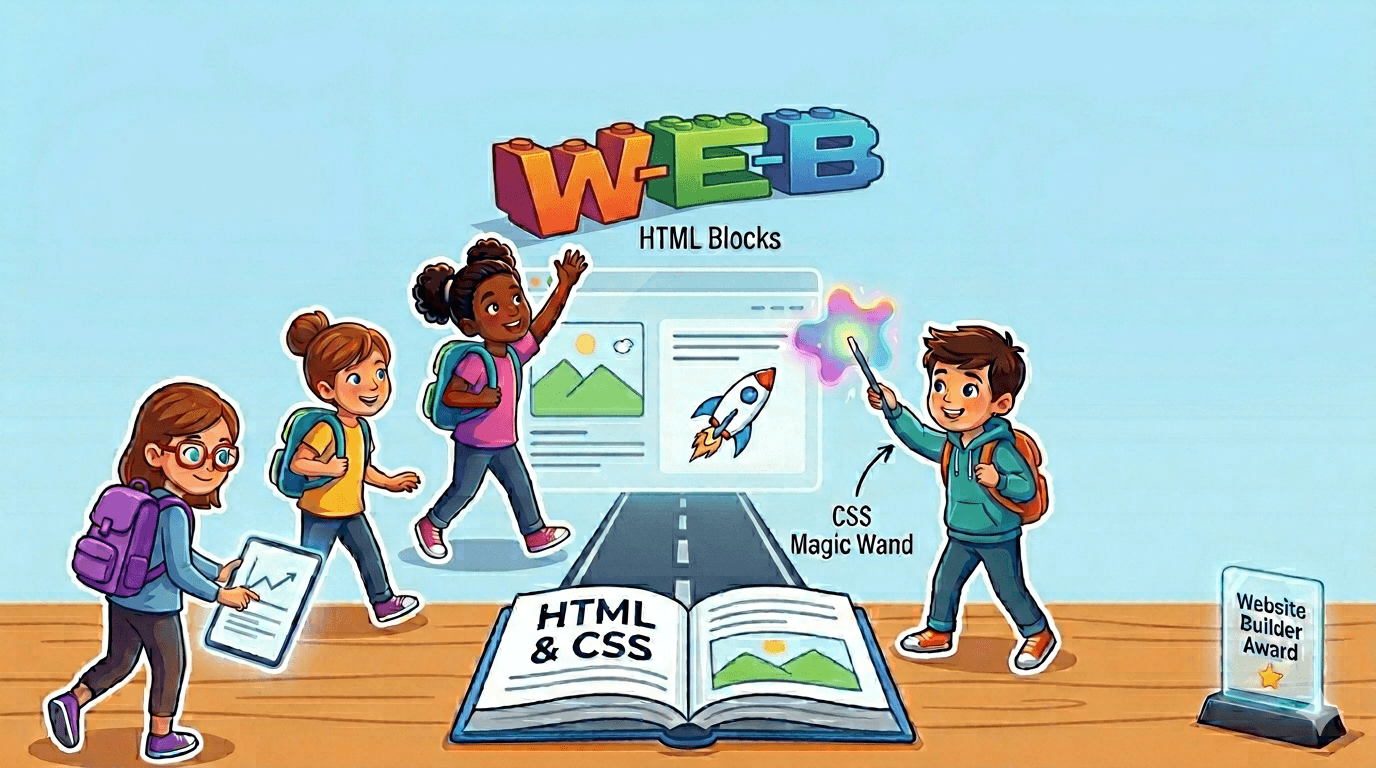 Web development
My First Website
In this fun beginner course, your child will create their very first real website! 🎉 They’ll learn how to build colorful pages using HTML and CSS, add pictures, buttons, and cool designs, and proudly share their creation with family and friends. A magical first step into the world of coding! 💻✨
 Programming
Programming Foundations
In this foundational stage, students transition from passive technology consumers to active creators by mastering the core concept of algorithms—precise, step-by-step instructions. Following the UK Key Stage 1 (KS1) standards, the curriculum emphasizes "logical reasoning" and the vital skill of debugging. By learning to predict outcomes and systematically fix errors, children develop the cognitive resilience needed to solve problems before they even touch a keyboard. This level instills a "builder’s mindset," ensuring that every young learner views technology as a canvas for their own imagination rather than a mystery they simply observe.
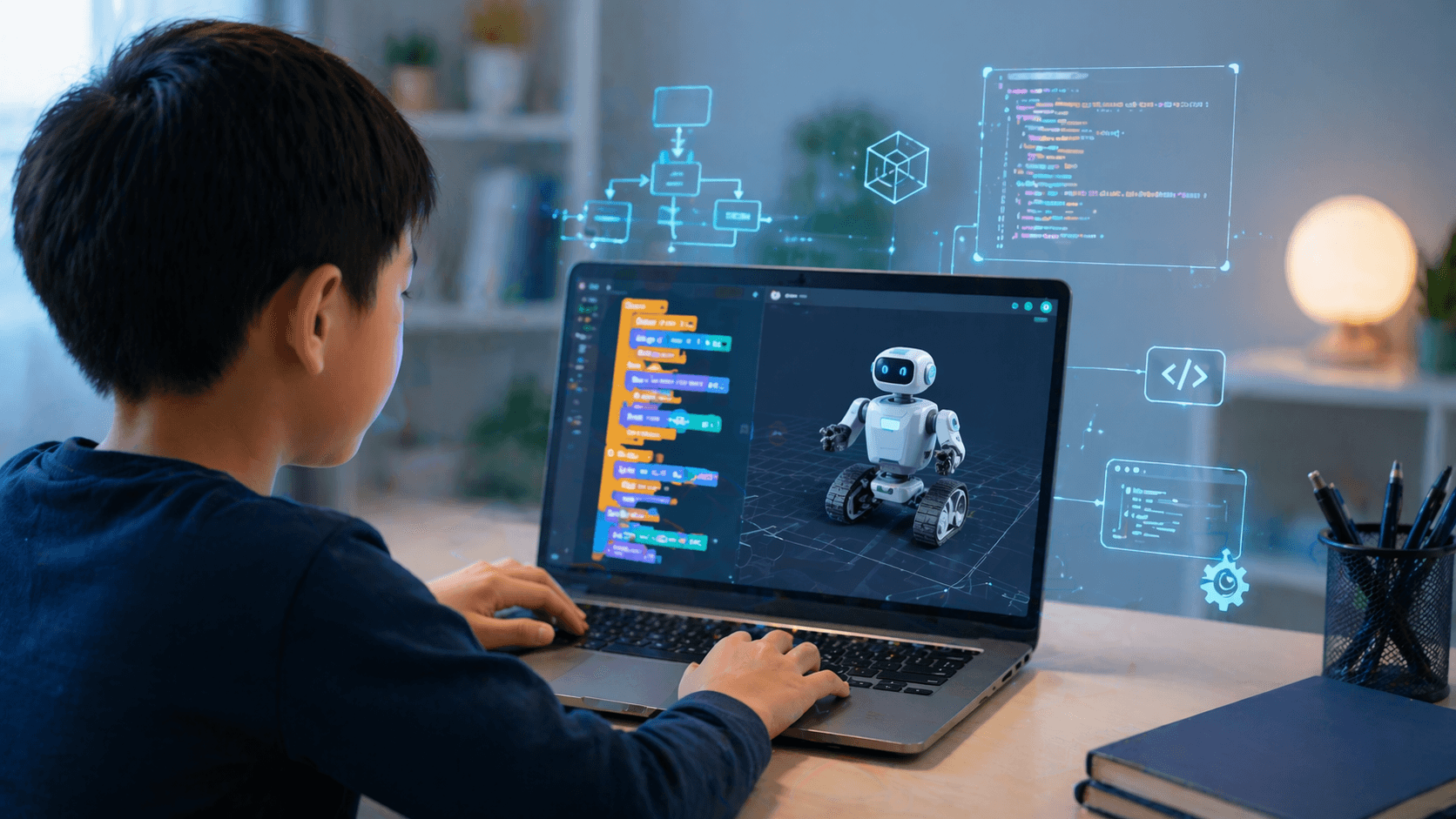 Robotics
Introduction to Robotics Engineering
Build, control, and think like a real robotics engineer! In this interactive course, students explore how robots move, sense, and make decisions. They learn core robotics concepts such as movement, sensors, logic, loops, and variables, then apply them through virtual simulations and challenges. By the end, students can design and control robots to solve real-world problems.
Join this stage
Three ways to start
There is no checkout here. Choose whichever step feels right — you can change your mind at any point, and nothing is charged online.
Request a short call
Talk to our team about your child and whether this stage fits. Around fifteen minutes, at a time you choose.
Take the fit check
Answer a few questions about your child and get a preliminary recommendation about starting here. No account needed.
I’m sure about this stage
Share your details and we will arrange the starting session directly, without going through the fit check first.
What comes next
After Builder, the journey continues with Creator.
See Creator